Process Analysis
Once a process is captured, patchley puts numbers on it — quantitative analysis that turns process landscapes into decisions.
Select a process
Pick the captured process you want analyzed — one is all it takes.
Choose the analysis lenses
Toggle what to examine — pain points, effort, volumes, automation potential.
Receive the analysis
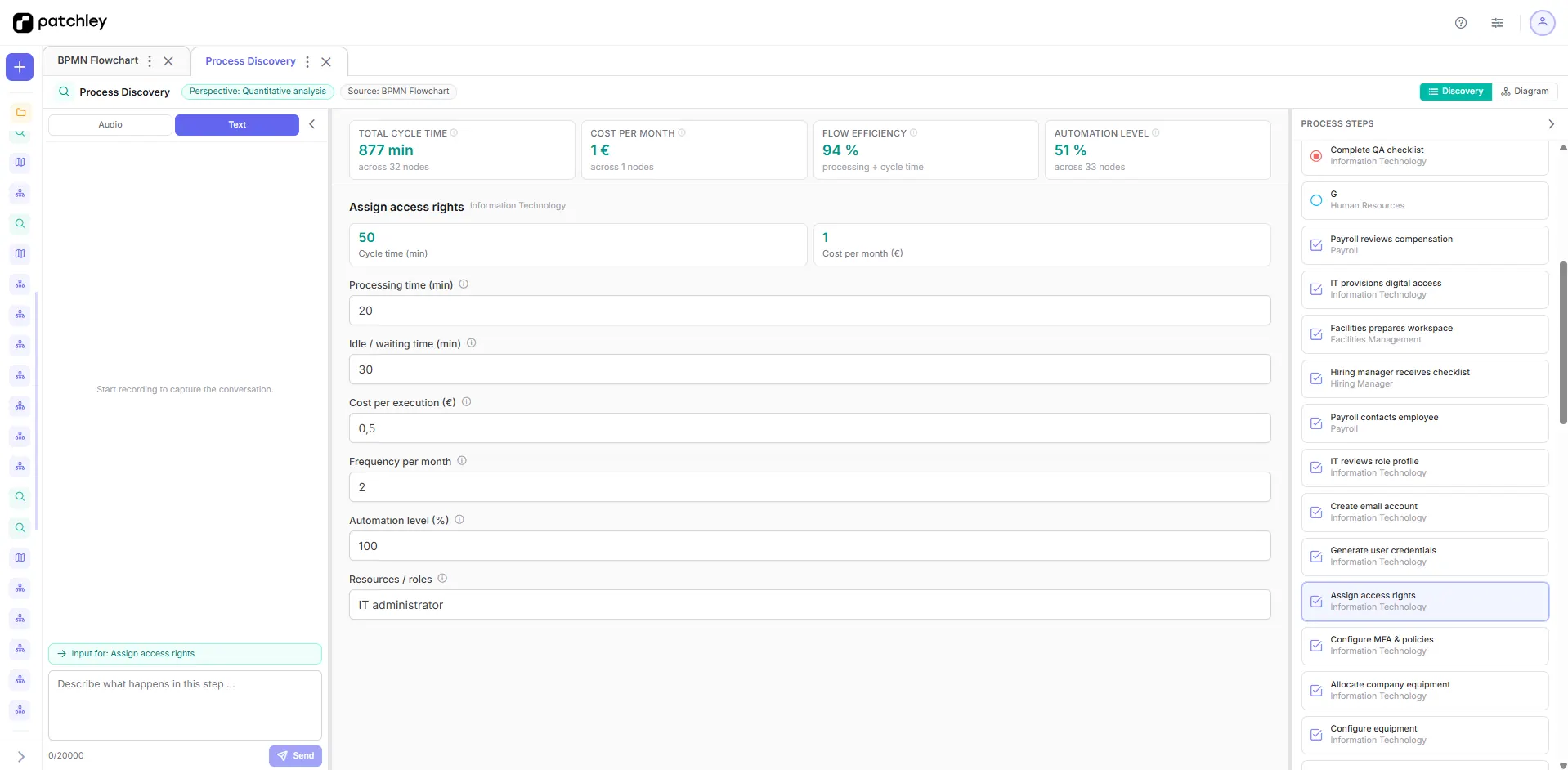
patchley quantifies the process — like time spent per step, before and after.
What the analysis examines
Toggle the lenses per analysis — patchley asks for what's missing during the session, in voice or text, and fills the fields from the conversation.
Own fields work here too — define a label and description, and patchley asks for it in the session.
What it's worth
Effort, volumes and bottlenecks quantified per process step — prioritization stops being a gut call.
See where automation and AI actually pay off before you invest.
Re-run the analysis after changes and show the delta in hard numbers.